On this page
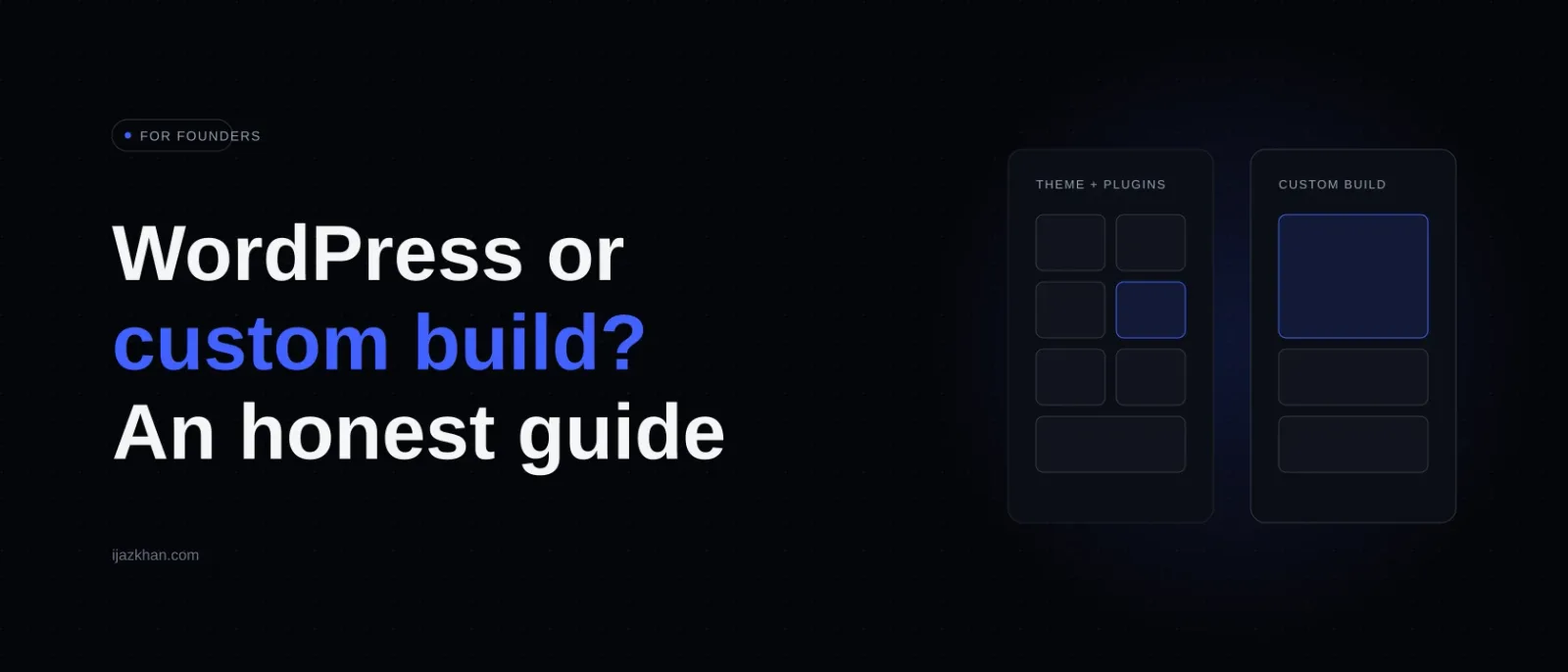
Here is a conversation I keep having. A business owner needs a new website or web app, gets three quotes, and the quotes make no sense next to each other. One agency recommends WordPress, a freelancer recommends a custom build, and a site builder looks cheaper still. All three are describing "a website", but they are pricing different kinds of work. The owner needs a way to compare what will actually be delivered.
I build custom software, and I have worked with WordPress too. This is not a case for always going custom. WordPress is the right answer for many businesses. What you need is a way to tell which kind of project you have.
What each option really is
WordPress is a content management system that powers a huge share of the web. You pick a theme, add plugins for features, and editors manage pages and posts from an admin panel. There are two flavors: wordpress.com (hosted for you, more limits) and self-hosted WordPress (more freedom, more responsibility). When people say WordPress for business sites, they usually mean self-hosted with a page builder like Elementor, or increasingly the block editor.
Custom development means a developer builds your site or app from code, using a framework like Next.js, with the features you need and nothing else. No theme, no plugin marketplace, no admin panel except the one built for you.
Site builders like Wix, Squarespace and Framer sit to one side: simpler than WordPress, less flexible, perfectly fine for a straightforward brochure site. I will mostly compare WordPress and custom here, because that is where the confusing quotes come from, but the same logic covers builders too.
The question that decides it
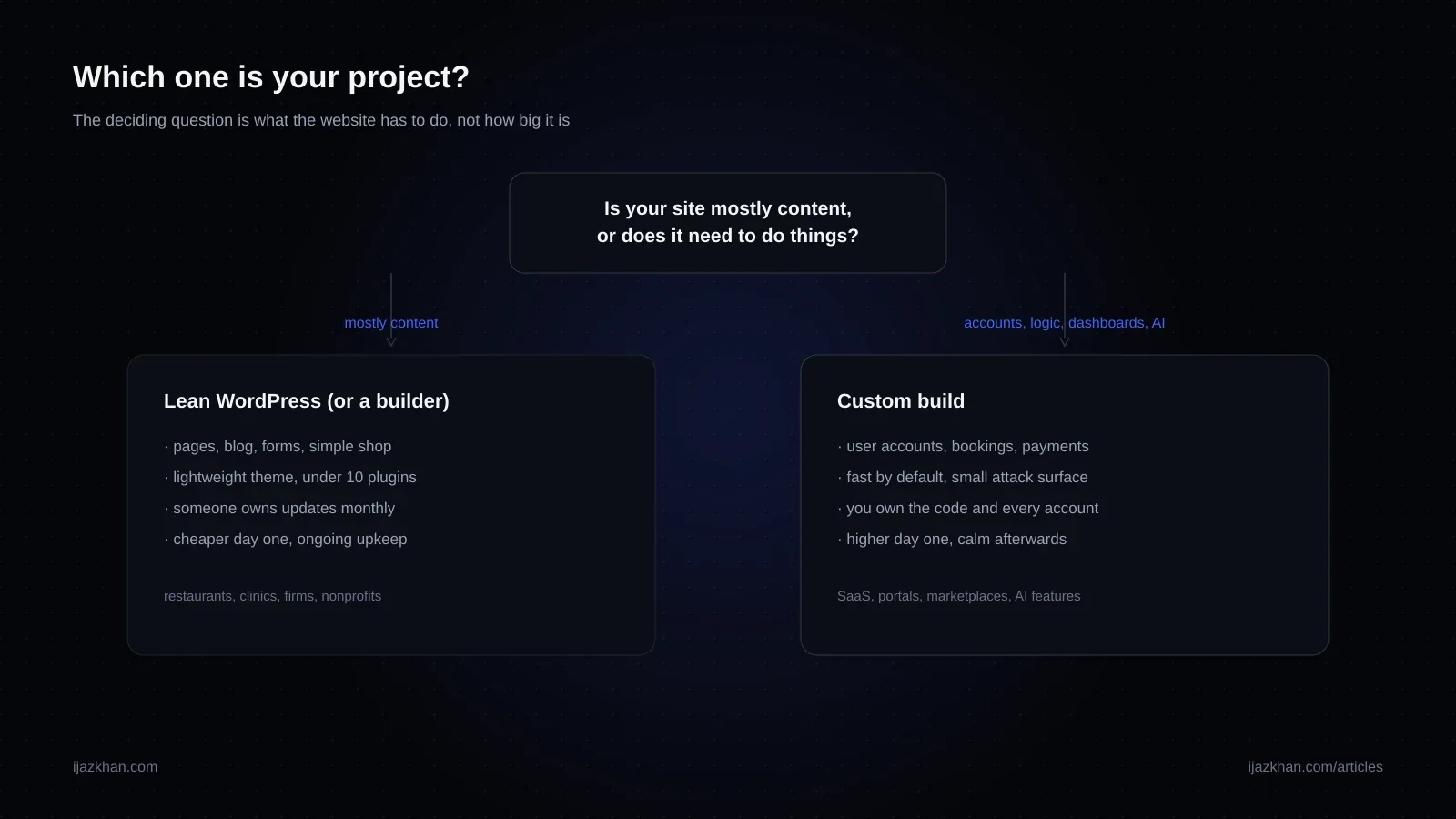
Strip everything away and the decision comes down to this: is your website mostly content, or does it need to do things?
By "mostly content" I mean pages, posts, images, contact forms, maybe a simple shop. The site presents information and collects inquiries. WordPress was built for exactly this, and it is genuinely good at it. Thousands of themes, editors your marketing person already knows, and any local agency can maintain it.
By "do things" I mean behavior: user accounts, dashboards, bookings with real availability logic, payments beyond a simple checkout, data that changes per user, or integrations with other systems. This is application territory. WordPress can support some of it, but each dependency adds maintenance work. Once important business rules live across several plugins and integrations, you need to ask who owns the whole workflow when something fails.
A content site with a custom build may be overkill. A complex application built on WordPress may become difficult to maintain. The problem is not the platform's name; it is a mismatch between the workflow and the tool.
The honest comparison
| What matters | WordPress | Custom build |
|---|---|---|
| A content site: pages, blog, inquiries | Excellent, its home turf | Works, but often overkill |
| Real app features: accounts, dashboards, logic | Possible, but check plugin dependencies and maintenance | Can be designed around the exact workflow |
| Upfront cost | Often lower for a conventional content site | Depends heavily on scope and how much must be built |
| Ongoing cost | Hosting, plugin licenses, updates and support | Hosting, dependency updates, monitoring and developer support |
| Speed and Core Web Vitals | Depends on theme, plugins, media and hosting | Depends on architecture, code, media and hosting |
| Security | Core, themes and plugins need a clear update process | Code, dependencies and infrastructure need a clear update process |
| Who can maintain it | Any agency, huge market | A developer, smaller market |
| Editor experience for your team | Familiar admin, mature | Whatever is built for you, from great to nothing |
| Design ceiling | Theme-bound unless heavily customized | Whatever you can imagine |
Two of those rows deserve expansion, because they are where owners get surprised.
Security. Both options need ongoing attention. On WordPress, keep core, themes and plugins updated, limit permissions, and maintain backups. On a custom application, the team still has to update dependencies, protect credentials, review access and monitor the deployment. Neither choice is secure just because of the platform label. Ask each bidder who will own these tasks after launch.
The real cost curve. A conventional WordPress site may cost less to launch, but plugin licenses, hosting, updates and support still belong in the budget. A custom build may cost more up front and still needs maintenance as requirements, dependencies and infrastructure change. Compare a three-year cost for the same scope rather than assuming either option is cheap after launch.
When WordPress is the right answer
Here is where I would choose WordPress.
Choose WordPress when your site is content-first, your budget is limited, your team wants to edit pages without a developer, and there is a local market of people who can maintain it. A restaurant, a law firm, a clinic's information site, a nonprofit, a blog-driven business. For these, a lean WordPress build with a quality theme and a short plugin list is fast to launch, cheap to run, and completely appropriate. Hiring a custom developer to hand-build a ten page brochure site is spending application money on a content problem.
The keyword is lean. Most WordPress misery traces back to heavy multipurpose themes and plugin sprawl. If you go this route, insist on a lightweight theme, a plugin count you can count on your fingers, and a named person responsible for updates.
When custom is the right answer
Choose custom when the website is the business, or a core part of how it operates. SaaS products, marketplaces, member platforms, booking systems with real logic, customer portals, anything with an AI feature, and any product where you will iterate on features continuously. Here the plugin patchwork breaks down fast, and code you own becomes an asset instead of a liability.
There is a second case: when you need unusual control over the experience. A custom build can make it easier to design around specific workflows and performance constraints. It does not automatically outrank or outconvert a well-built WordPress site. Search visibility and conversion depend on content, relevance, usability, implementation and competition, not the framework alone.
And sometimes the answer is both: a custom application for the product, with a simple CMS or blog alongside for content. That hybrid is common and sensible. This very site is a custom Next.js build with its own small admin panel, because it doubles as proof of what I sell, which is a luxury most businesses do not need.
How to read your quotes
Back to those three confusing quotes. Here is how to interrogate them.
Ask the WordPress bidder: which theme and which plugins, by name? How many plugins? Who does updates after launch and what does that cost monthly? What happens when a plugin conflicts? If the answer is a heavy multipurpose theme plus fifteen plugins and a shrug about maintenance, keep looking.
Ask the custom bidder: why does this project need custom? Make them point at specific features that WordPress genuinely handles badly. If they cannot name any, they are selling you their preference. Ask what happens after launch: who hosts it, what does a small change cost, what do you own? You should own the code and every account, hosting, domain, and analytics included.
Ask both: can I see three live sites you built that are still running well after two years? Longevity is the stat that matters, and nobody quotes it.
There is no honest universal price for either approach. Ask for the same scope, assumptions, ownership and post-launch support in each proposal. A cheaper quote may exclude content migration, testing, training or maintenance; a more expensive quote should explain what extra work it covers. For a deeper look at application costs, see my SaaS MVP cost breakdown.
What I actually tell people
If your site's job is to describe your business and collect inquiries, and budget matters, build lean WordPress with a maintenance plan, and spend the savings on the content and photography, which will move results more than the platform ever will.
If your site's job is to run a distinctive part of your business, evaluate a custom build with a developer who can show relevant work and explain the maintenance plan. The value is a system designed around your workflow, with clear ownership of the code and accounts.
And if you are genuinely unsure which case you are, that is a fifteen minute conversation, not a purchase. Describe your project to me and I will tell you which side of the line you are on, including when the answer is "WordPress, and you don't need me". If it does turn out to be application territory, here is how I build them.
Quick answers
Is WordPress outdated in 2026? No. It runs a huge share of the web and remains the sensible default for content sites. What is outdated is using it as an application platform by stacking plugins.
Is custom development always faster than WordPress? No. Both can be fast or slow. Measure the actual page experience and ask what the builder will do about heavy images, unnecessary scripts, hosting and caching.
Can I start on WordPress and go custom later? Yes, and it is often the right sequence: validate the business on cheap infrastructure, then rebuild when features outgrow it. Just keep your content exportable and your domain and accounts in your own name.
What about Webflow, Framer and Wix? Good tools for design-forward brochure sites, sitting between WordPress and custom on flexibility. The same core question applies: content site, fine; application, no.
Do custom sites need maintenance too? Yes. Dependencies, infrastructure, backups, monitoring and security updates all need an owner. Ask any developer you hire what their post-launch arrangement looks like; "none needed, ever" is not a serious answer.
Need this built?
These services can turn the ideas in this article into production software.